Key Takeaways
Option A
Mobile App
Software installed directly on your device.
Best for: Tasks that benefit from deeper hardware access, offline functionality, or a faster, more tailored experience.
Option B
Website
Content or services delivered through a browser.
Best for: Quick information lookup, one-time tasks, and situations where installing software is unnecessary or impractical.
If you need offline access or frequent, feature-rich interactions
Mobile App
Apps store data and functionality on your device, making them faster and usable without a steady internet connection.
If you just need quick, one-time access to information or a service
Website
Opening a browser requires no installation and leaves no lasting footprint on your device's storage.
If you're concerned about privacy and limiting device access
Website
Websites generally request fewer device permissions than installed apps, reducing exposure to camera, contacts, or location data.
What Actually Makes Something an App vs. a Website?
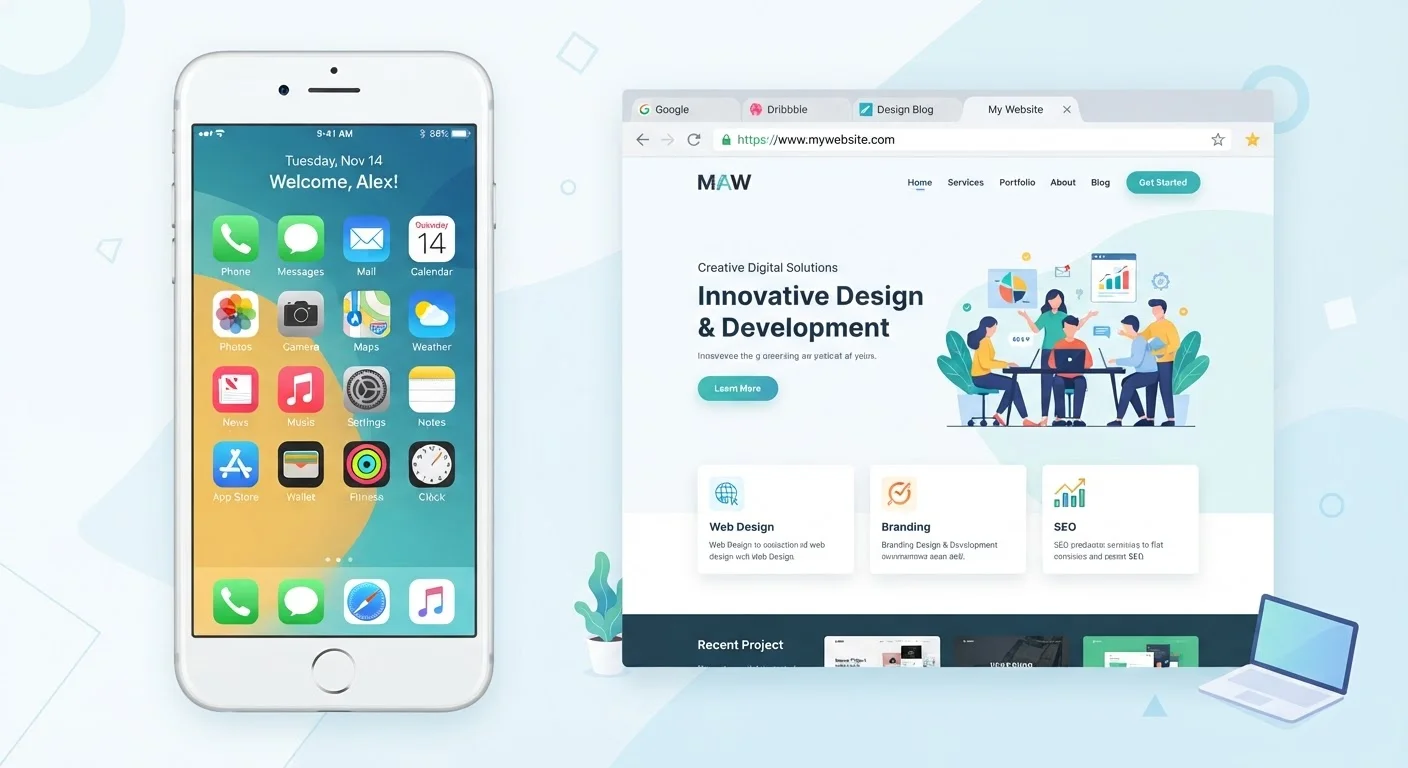
The simplest way to draw the line: a mobile app is a piece of software you install on your phone or tablet. A website is content or functionality your browser retrieves from a remote server over the internet. You don't install a website - you visit it.
When you download something from the Apple App Store or Google Play Store, you're adding a program to your device. That program can run code locally (meaning on your own phone), interact with hardware like the microphone or GPS, and store data even when you're not connected to the internet. A website, by contrast, lives on a server elsewhere. Your browser requests it, displays it, and discards most of it when you navigate away.
This distinction matters practically. Apps tend to feel faster and more responsive partly because they don't have to load everything from scratch on each use. Websites are more universally accessible - any device with a browser can reach them, no download required.
| Criterion | Mobile App | Website |
|---|---|---|
| How you access it | Download and install from an app store | Open a browser and visit a URL |
| Where it runs | On your device (locally) | On a remote server; displayed by your browser |
| Offline use | Often available, at least partially | Generally requires internet connection |
| Device permissions | Can request camera, contacts, GPS, etc. | Limited; browser mediates access |
| Storage on your phone | Takes up space on your device | No persistent storage (except cookies) |
| Updates | Requires manual or auto update via store | Always current; server updates instantly |
The Blurry Middle: Progressive Web Apps and Home Screen Shortcuts
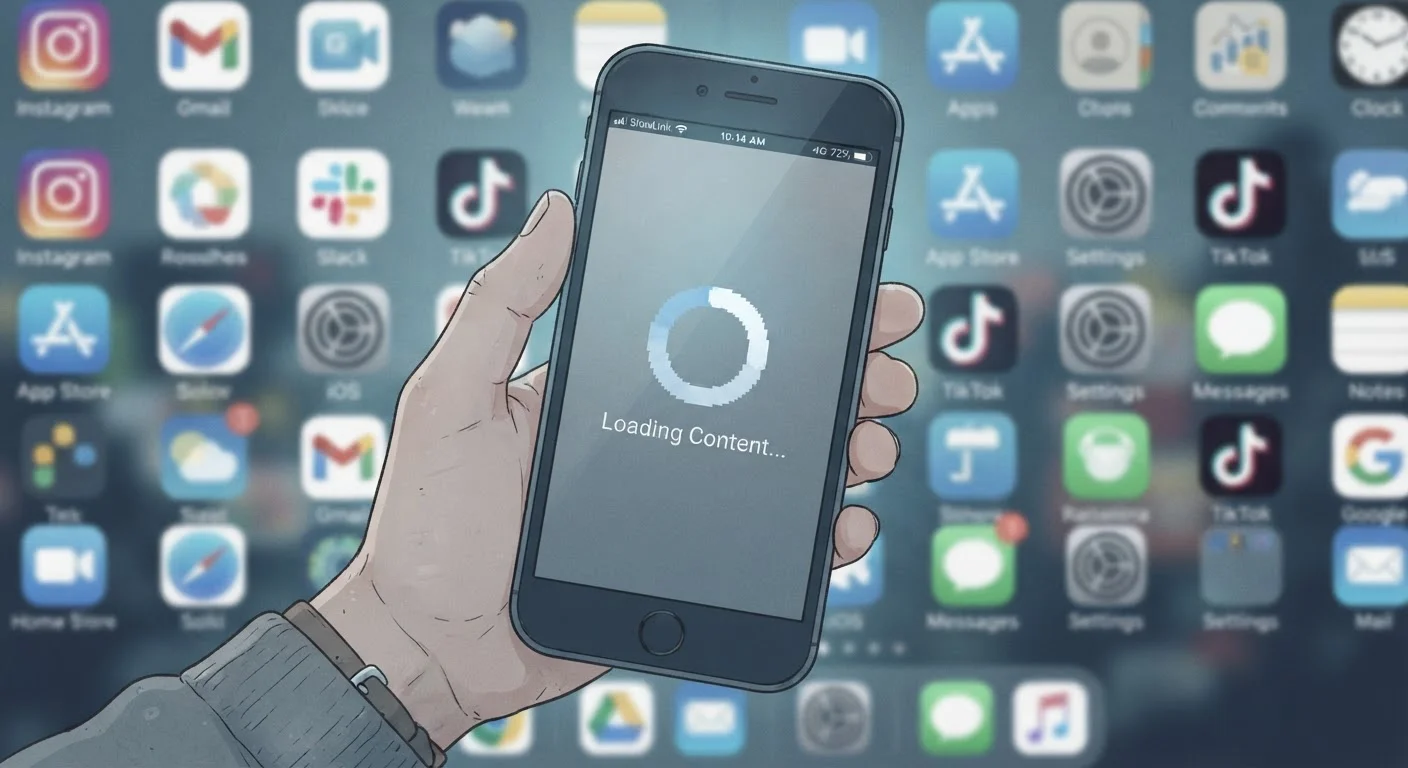
Here's where many people get confused. If you visit a website in your browser and tap "Add to Home Screen," the resulting icon looks exactly like an app icon - but it may just be a bookmark in disguise. Tapping it opens your browser, loads the site, and behaves like a website. No installation happened.
A step further along the spectrum are Progressive Web Apps (PWAs) - websites built with technology that allows limited offline use, push notifications, and home screen installation. A PWA lives in a gray zone: it's delivered through a browser but behaves more like an app. Many major services now use this approach.
How to Tell What's Actually Installed
On an iPhone, go to Settings and look under your Apple ID for a list of installed apps. On Android, navigate to Settings > Apps. If the icon on your home screen doesn't appear in either list, it's almost certainly a browser shortcut, not an installed app. This distinction affects what data the service can access and what storage it uses on your device.
Understanding whether something is a true app matters for privacy. True installed apps can request permissions to your contacts, camera, location, and more - often from the moment you open them. Our article on what app permissions actually mean walks through exactly what those requests involve and when granting them is reasonable.
Data, Privacy, and What Each One Knows About You
Both apps and websites can collect information about you, but they tend to do it differently. Websites primarily track behavior through cookies - small files stored in your browser - and your IP address. You can clear cookies, use private browsing, or install browser extensions to limit this.
Apps have broader reach. Because they're installed on your device, they can request access to system-level data: your precise location, your contact list, your photos, your microphone. That access is granted through permissions prompts, but many users tap "Allow" without reading them carefully.
This dynamic is especially relevant with apps built around social interaction. For a detailed look at how one category of apps leverages these data streams, see our piece on what dating apps actually do with your data and attention.
One more thing worth noting: not every app in an official store is entirely trustworthy. Signs that an app may be overstepping are worth learning before you install something unfamiliar.
Choosing Between an App and a Website in Practice
For most everyday decisions, the practical question is simple: How often will I use this, and what does it need from my device?
If you check your bank balance daily, use navigation on the go, or stream music while offline, an app makes sense - the investment in installation pays off. If you need to look up a business's hours or fill out a one-time form, there's rarely a reason to install anything. Visit the website, accomplish the task, move on.
Be skeptical any time a service strongly pushes you to install its app rather than offering a website alternative. An installed app gives that company far more access to your device and usage patterns than a browser visit does. Sometimes that trade-off is worth it; often it isn't. Understanding the difference puts you in control of that decision.
88%
Share of mobile time spent in apps vs. browsers
According to research by data analytics firm Comscore, the vast majority of time Americans spend on smartphones occurs within installed apps rather than mobile browsers.
~3.5M
Apps available in the Google Play Store
As of recent counts tracked by Statista, the Google Play Store hosts millions of apps - making it increasingly important to evaluate what each one actually needs from your device.
For a related concept about how information travels securely between your browser and a website, the difference between HTTP and HTTPS is a useful next read.