

Key Takeaways
Wi-Fi
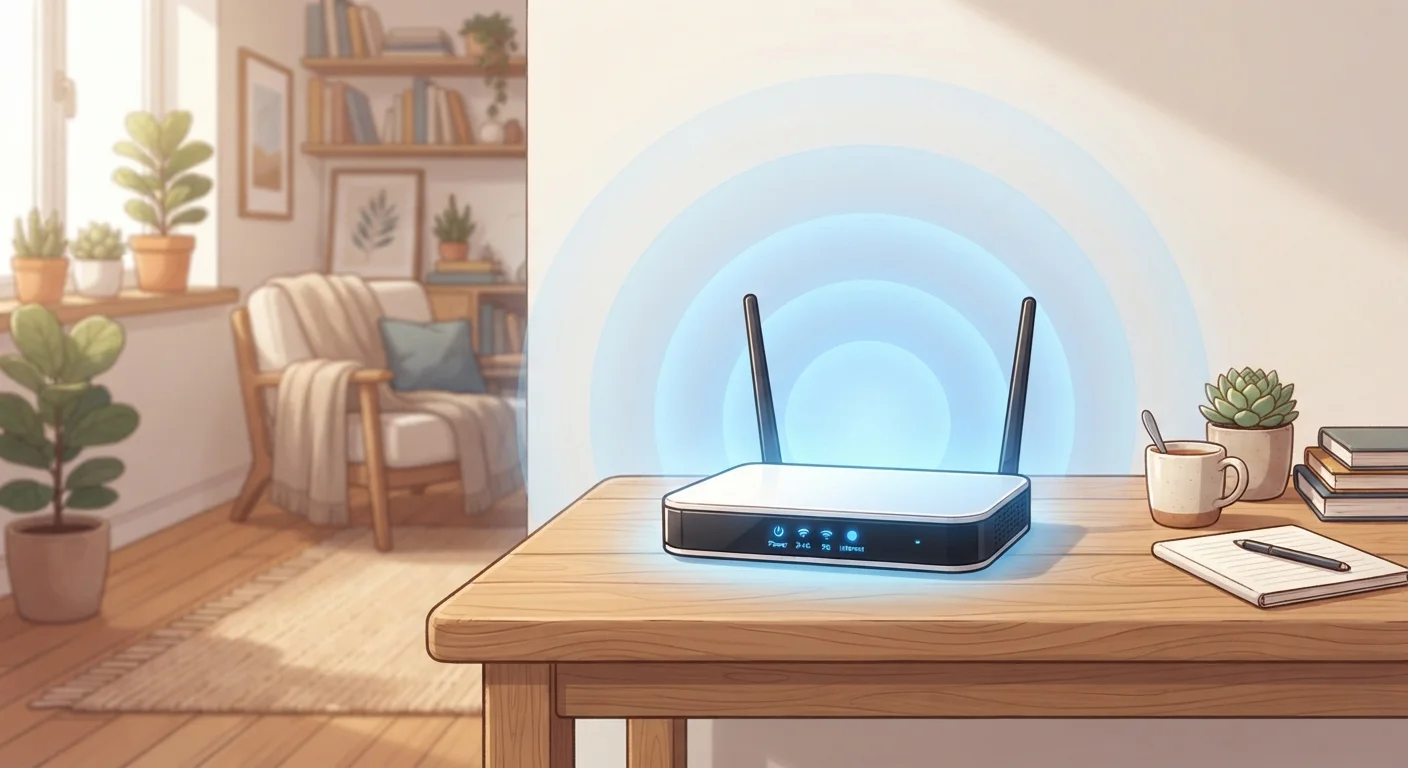
Wi-Fi is a wireless networking technology that connects your devices to the internet using radio waves instead of physical cables. A router receives an internet signal from your internet service provider and rebroadcasts it wirelessly. Your phone, laptop, or smart TV picks up that signal and uses it to send and receive data.
Wi-Fi operates under the IEEE 802.11 family of standards, most commonly on the 2.4 GHz and 5 GHz radio frequency bands, with newer Wi-Fi 6 and 6E devices also using 6 GHz.
Radio Waves Are Doing All the Work
When you load a webpage over Wi-Fi, your device isn't pulling data from thin air - it's exchanging radio waves with your router. Radio waves are part of the electromagnetic spectrum, the same broad family that includes visible light and microwaves. The difference is frequency: Wi-Fi uses frequencies your eyes can't see and your ears can't hear, typically in the 2.4 gigahertz (GHz) or 5 GHz range.
Your router constantly broadcasts these waves outward in all directions, similar to how a radio station transmits to every receiver in its coverage area. When your laptop or phone wants to send a request - say, to load a YouTube video - it encodes that request as a pattern of radio waves and transmits it back to the router. The router then forwards that request through a physical cable to your internet service provider, retrieves the data, and sends it back to your device over the air.
This back-and-forth happens in milliseconds, many times per second, which is why it feels instantaneous. For a deeper look at how wired connections compare, see how wired and wireless connections differ in speed and reliability.
2.4 GHz
Most common Wi-Fi frequency band
The 2.4 GHz band has been the backbone of home Wi-Fi since the original 802.11b standard introduced in 1999.
~30 ft
Typical 5 GHz effective indoor range
Industry guidance generally puts reliable 5 GHz performance within roughly 25-30 feet indoors, compared to greater range on 2.4 GHz.
9.6 Gbps
Maximum theoretical throughput of Wi-Fi 6
According to the Wi-Fi Alliance, Wi-Fi 6 (802.11ax) offers a theoretical peak of 9.6 Gbps, though real-world speeds are considerably lower.
Why Walls and Distance Matter
Radio waves travel well through open air, but they lose energy when they encounter obstacles. Different materials absorb or reflect signal differently. Drywall causes modest signal loss, while concrete, brick, and metal can cut signal strength dramatically. This is why a router on one end of a house may deliver a weak signal to a bedroom on the other end.
Distance itself is also a factor. Radio wave strength decreases with the square of the distance - meaning that if you double the distance from your router, the signal doesn't just get half as strong, it gets roughly four times weaker. This physics is unavoidable, which is why placement of your router near the center of your home tends to improve overall coverage.
Channel Congestion Is a Real Issue
Within each frequency band, Wi-Fi operates on specific channels - subdivisions of the available radio spectrum. In densely populated areas like apartment buildings, many routers often default to the same channels, creating congestion. Most modern routers can automatically select the least-crowded channel, but manually checking your router's channel settings can sometimes yield a noticeable improvement.
Interference from other devices adds another layer of complication. Microwave ovens, baby monitors, and neighbors' routers all transmit on similar frequencies. The 2.4 GHz band is especially crowded because it's been used by so many devices for so long. Switching to 5 GHz often means less interference - though at the cost of shorter range.
The Router's Job in Plain Terms
Think of your router as a bilingual translator standing at the front door of your home. On one side, it speaks the language of your internet service provider - a wired signal arriving via cable or fiber. On the other side, it speaks Wi-Fi, broadcasting and receiving radio waves with all your household devices.
Every device on your network gets a unique local address (called an IP address) that the router uses to make sure the right data reaches the right device. When your tablet asks for a Netflix stream and your laptop asks for an email at the same moment, the router keeps those conversations separate and routes each response correctly.
This is also why your router's capabilities matter. Older routers handle fewer simultaneous connections gracefully; newer standards like Wi-Fi 6 (802.11ax) were specifically designed to manage many devices at once more efficiently - a real advantage in homes packed with smart devices. If you're curious how all those connected gadgets rely on your router, see how smart home devices connect to your home network.
Placement Makes a Real Difference
Positioning your router in a central, elevated location - on a shelf rather than tucked behind a TV cabinet - gives radio waves a clearer path to every room. Avoid placing routers inside closed cabinets or near large metal appliances, which can reflect or absorb the signal before it reaches your devices.
Wi-Fi, Bluetooth, and Knowing the Difference
Wi-Fi is often confused with Bluetooth, but the two technologies were designed for different jobs. Wi-Fi is optimized for high-speed, longer-range connections - streaming video, downloading files, browsing the web. Bluetooth is optimized for short-range, low-power connections between personal devices, like pairing wireless headphones to your phone.
Both use radio waves, but at different frequencies, power levels, and protocols. Your phone uses both technologies simultaneously without conflict because they're engineered to stay out of each other's way. Understanding how Bluetooth and Wi-Fi differ helps explain a lot of everyday tech behavior - like why your earbuds work across the room but your phone still needs to be near a router to stream music.
Wi-Fi also plays an underappreciated role in location services. Your device can estimate its position by detecting nearby Wi-Fi networks and comparing their signal strengths to known locations - a technique that works even indoors where GPS struggles. Learn more in our article on how your phone determines your location.