| What a license governs | How you may use, share, and modify software |
| Does "free" mean no restrictions? | No - freeware is free in cost, not necessarily in usage rights |
| Most common license for paid apps | Proprietary (commercial) license |
| Open-source license examples | MIT, Apache 2.0, GNU GPL (Open Source Initiative (OSI)) |
| Can open-source mean restricted use? | Yes - copyleft licenses impose conditions on redistribution |
| Is a EULA legally binding? | Generally yes, once you click 'I Agree' or install the software |
Why Software Licenses Matter to Everyday Users
When you download an app or install a program, you're almost always agreeing to a license - even if you clicked past it without reading a word. A software license is a legal agreement between the software's creator and you, the user. It spells out what you're permitted to do: run the software, share it, modify it, or use it commercially.
Most people never need to read every line of a license agreement. But understanding the broad categories helps you avoid surprises - like discovering a "free" tool can't legally be used for your small business, or that an open-source program lets you customize it however you like.
Just as app permission requests deserve a second look (see our guide on what app permissions actually mean), so do the license terms that govern what happens after you install something.
| What a license governs | How you may use, share, and modify software |
| Does "free" mean no restrictions? | No - freeware is free in cost, not necessarily in usage rights |
| Most common license for paid apps | Proprietary (commercial) license |
| Open-source license examples | MIT, Apache 2.0, GNU GPL (Open Source Initiative (OSI)) |
| Can open-source mean restricted use? | Yes - copyleft licenses impose conditions on redistribution |
| Is a EULA legally binding? | Generally yes, once you click 'I Agree' or install the software |
The Main License Types, Defined
Software generally falls into one of several licensing categories. Here's what each one means in practice:
Proprietary (Commercial) Software
The creator retains full ownership of the source code. You're purchasing - or licensing - the right to use it under their specific rules. You typically cannot modify it, redistribute it, or reverse-engineer it. Most paid apps and desktop programs fall here.
Freeware
Free to download and use, but the creator still owns the code. You can't modify or resell it. "Free" refers only to cost, not to freedom of use. Many browser utilities and basic productivity tools are distributed this way.
Open Source
The source code is publicly available. Depending on the specific open-source license, you may be able to view, modify, and redistribute the software - sometimes with conditions. This category is broad; two open-source programs may have very different rules. See the glossary below for key variants.
Shareware
A try-before-you-buy model where a limited version is free and full features require payment. Less common today but still found in niche software categories.
Public Domain
No copyright applies - anyone can use, modify, or redistribute the software without restriction. This is relatively rare; software must be explicitly released to the public domain or have its copyright expire.
EULA
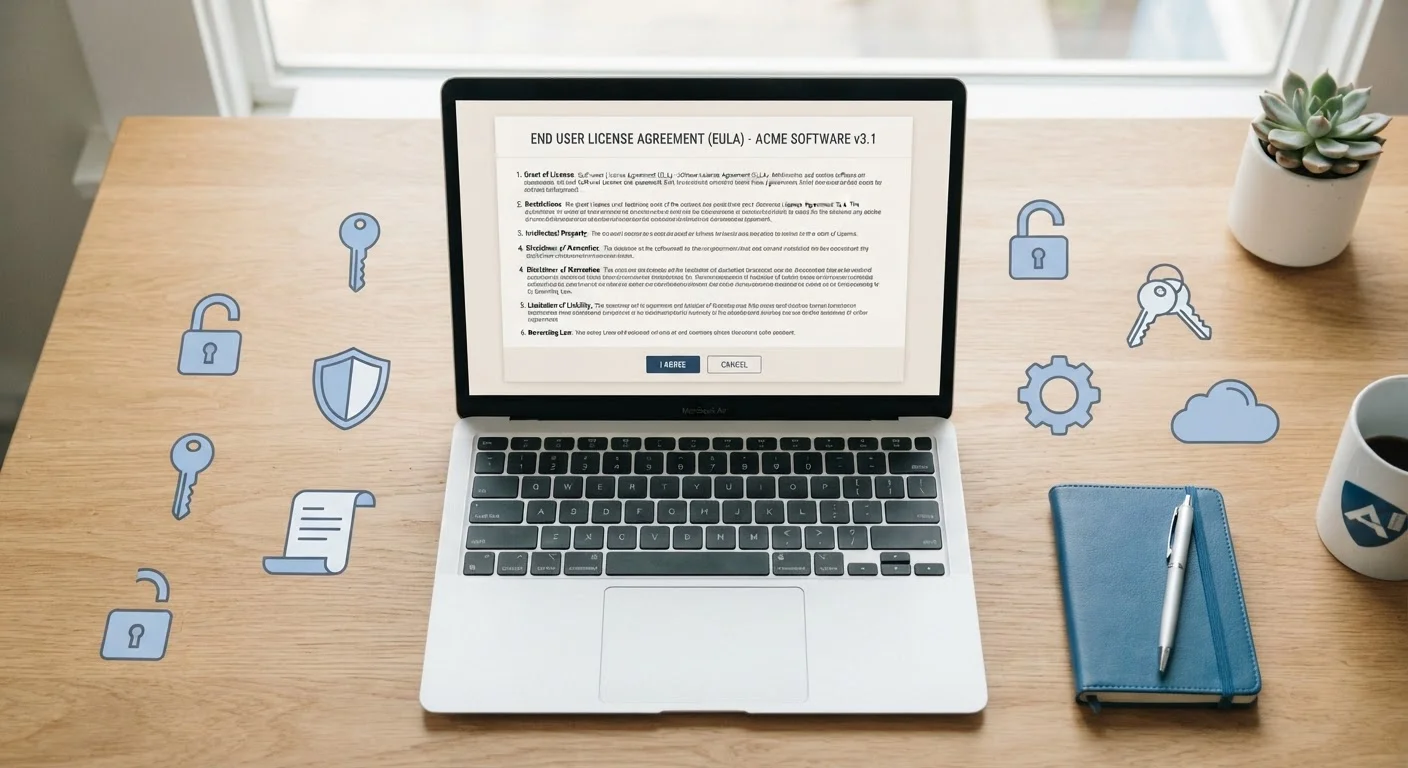
End-User License Agreement - the legal contract between a software developer and the person installing or using the software. It defines permitted and prohibited uses.
Open Source License
A license that allows access to a program's source code, usually permitting modification and redistribution. Specific rules vary widely; common examples include the MIT License and the GNU GPL.
Copyleft
A condition in some open-source licenses (like the GPL) that requires any modified version of the software to be distributed under the same open-source terms. It prevents the code from being folded into closed, proprietary products.
Permissive License
A type of open-source license with minimal restrictions. The MIT and Apache 2.0 licenses are examples - they allow the code to be used in proprietary products with few conditions beyond attribution.
Freeware
Software that is free to download and use but remains under the creator's copyright. Users cannot modify or resell it; only the cost is free, not the freedoms.
Proprietary Software
Software whose source code is owned and controlled by its creator. Users receive a license to use it under specific terms but cannot view, modify, or redistribute the underlying code.
Source Code
The human-readable instructions written by developers that form a program. In closed/proprietary software this is kept private; in open-source software it is publicly available.
Public Domain
A status where no copyright or license restrictions apply to the software. Anyone may use, modify, or redistribute it freely. Software reaches the public domain only when explicitly released there or when copyright expires.
Reading License Agreements Without Getting Lost
End-User License Agreements (EULAs) are notoriously long. Rather than reading every line, focus on a few practical questions:
- Can I use this for commercial purposes? Some free licenses prohibit business use.
- Can I install it on multiple devices? Many licenses limit you to one or a set number of machines.
- What happens to my data? Licenses sometimes reference data collection; privacy policies usually cover this in more detail.
- Can I share or resell it? Most proprietary and freeware licenses say no.
For software that comes bundled with your device, you may not need a separate license at all - it's included with your purchase. Our overview of built-in software you may not have explored is a good starting point for understanding what's already available to you.
If you're weighing free versus paid tiers of an app, the license type often explains why features are gated. Our article on free vs. paid app subscriptions walks through what those pricing models really mean.
When in Doubt, Check the License Page
Most software publishers post their full license terms on their website, often in a dedicated "Legal" or "Terms" section. For open-source projects, the license file is typically included in the software's code repository (commonly named LICENSE.txt). You don't need to read every word - scanning for the sections on commercial use, redistribution, and modification covers most practical concerns.