

Key Takeaways
CPU (Central Processing Unit)
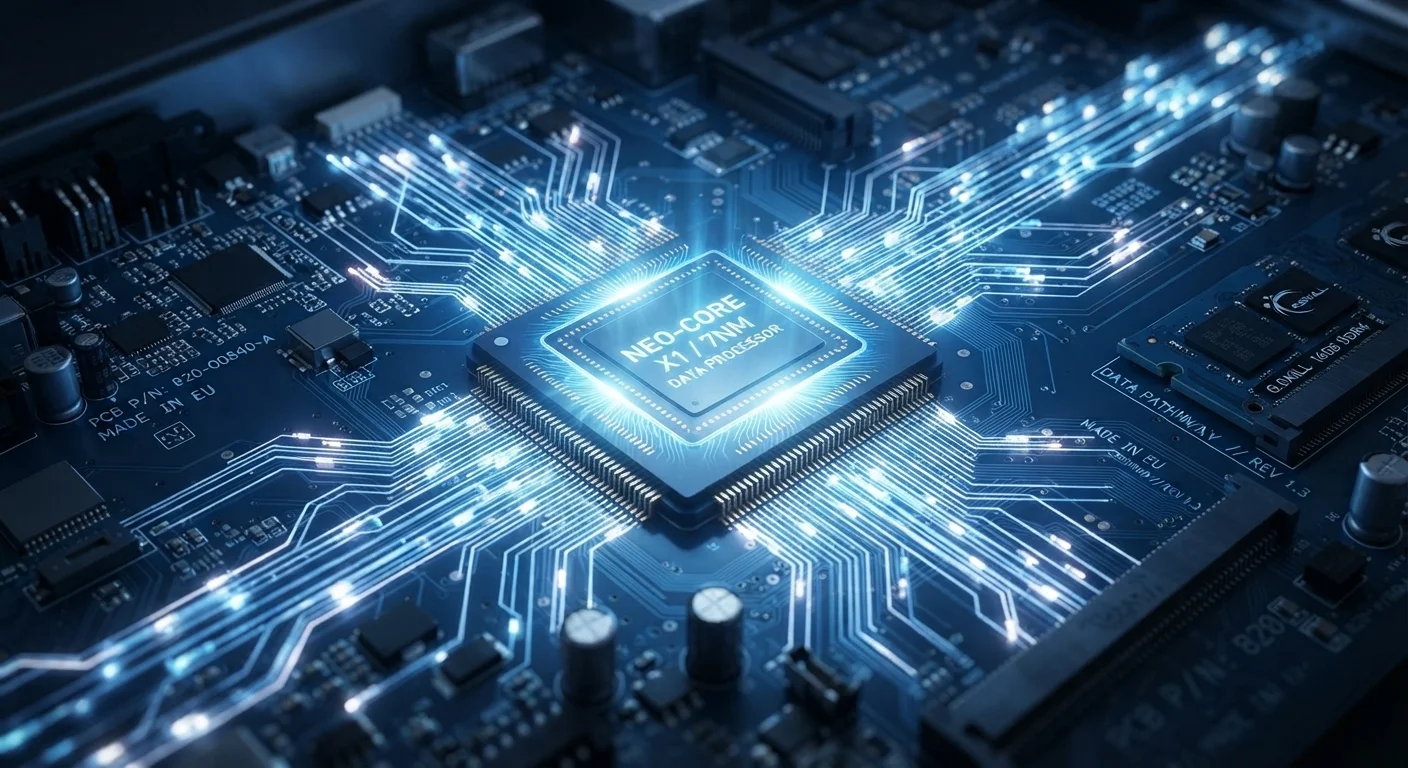
A CPU, or Central Processing Unit, is the main chip inside your computer, phone, or tablet that carries out instructions. Every time you open an app, scroll a webpage, or play a video, the CPU is doing the math and logic that makes it happen. Think of it as the part of a device that actually "thinks" - reading commands, processing them, and telling other components what to do next.
CPUs execute instructions through a repeating cycle of Fetch, Decode, and Execute - a process that modern chips complete billions of times per second using transistors measured in nanometers.
The Basic Job of a CPU: Follow Instructions
Every program on your device - from a weather app to a word processor - is ultimately a list of instructions. The CPU's entire job is to read those instructions and act on them, one after another, incredibly fast.
This happens through a three-step loop that engineers call the fetch-decode-execute cycle:
- Fetch: The CPU retrieves the next instruction from memory.
- Decode: It figures out what the instruction is asking - add these numbers, move this data, compare these values.
- Execute: It carries out the action.
Then it immediately starts over with the next instruction. A modern CPU repeats this cycle billions of times per second. That relentless rhythm is what makes your device feel responsive rather than sluggish.
To understand how the CPU fits into the bigger picture - including what happens the moment you touch your screen - see our article on what happens when you tap your smartphone.
Clock Speed and Cores: Two Ways CPUs Scale Up
When people talk about a CPU being "fast," they usually mean one of two things: clock speed or core count.
Clock Speed (GHz)
Clock speed is measured in gigahertz (GHz) and describes how many instruction cycles the CPU completes each second. A 3 GHz processor runs through three billion cycles per second. Higher clock speed generally means each individual task gets done more quickly - but architecture and efficiency matter just as much as the raw number.
CPU Cores
A core is essentially an independent processing unit inside the chip. Early CPUs had one core, which meant instructions were handled strictly one at a time. Modern CPUs contain multiple cores - often four, eight, or more - allowing the chip to work on several streams of instructions simultaneously.
Think of it like a kitchen: one chef (single core) can only cook one dish at a time, while multiple chefs (multiple cores) can prepare different dishes in parallel. That's why multitasking - browsing while music plays and notifications update - feels smooth on modern devices.
3+ GHz
Typical consumer CPU clock speed
Most modern smartphones and laptops operate between 2 and 4 GHz, with performance chips pushing higher in burst modes.
~1 nm
Smallest transistor process nodes in production
Leading chip manufacturers have announced sub-2nm process technology, packing more transistors - and more performance - into a smaller physical space.
8 cores
Common core count in modern mid-range smartphones
Many mid-range phone chips use a combination of performance and efficiency cores to balance speed and battery life.
How the CPU Works With the Rest of Your Device
The CPU doesn't work alone. It constantly exchanges information with other components - and understanding those relationships explains a lot about device performance.
- RAM: The CPU stores data it's actively using in RAM (Random Access Memory) so it can retrieve it quickly. Without enough RAM, the CPU has to wait while data is fetched from slower storage, causing noticeable slowdowns. Our guide on RAM vs. storage explains this relationship in plain English.
- Operating System: Software like iOS, Android, or Windows acts as a traffic director. It decides which app gets CPU time and when - a process called scheduling. The operating system's role is what makes multitasking feel orderly rather than chaotic.
- Storage: When you launch an app, its instructions are copied from storage into RAM so the CPU can access them at speed. Storage itself is too slow for the CPU to read instructions from directly during normal operation.
Check What Your CPU Is Doing Right Now
On Windows, open Task Manager (Ctrl + Shift + Esc) and click the Performance tab to see real-time CPU usage. On a Mac, open Activity Monitor from your Applications > Utilities folder. Watching usage spike when you open a heavy app - and drop when you close it - gives you an intuitive feel for how the CPU responds to your actions.
CPU performance can also drift over time as software demands grow. Our piece on why devices slow down over time walks through the real causes behind that familiar frustration.
What Your CPU Is Doing Right Now
Even when a device looks idle, the CPU is still working. Background processes - checking for email, syncing data, monitoring sensors - keep the chip busy at a low level. Efficiency cores on modern chips are specifically designed to handle this background load without draining the battery.
The moment you open an app, clock speed surges. The CPU fetches the app's instructions from RAM, decodes them, executes them, and sends results to the screen, speakers, or network - all in the time it takes your eyes to register the result.
Heat Is Normal - Up to a Point
CPUs generate heat as a direct result of electrical activity. Devices are designed to manage this through heat sinks, cooling fans, or thermal throttling (automatically slowing the chip down to prevent damage). If your device feels unusually warm during routine tasks, it may signal a software issue, a blocked vent, or an aging battery rather than a failing CPU.
Understanding what a CPU does demystifies a lot of everyday tech confusion: why some tasks feel instant, why certain apps make a phone warm to the touch, and why raw specs on a product label don't always translate to real-world feel. The CPU is genuinely the heartbeat of any computing device - and now you know how it beats.