

Key Takeaways
Applicant Tracking System (ATS)
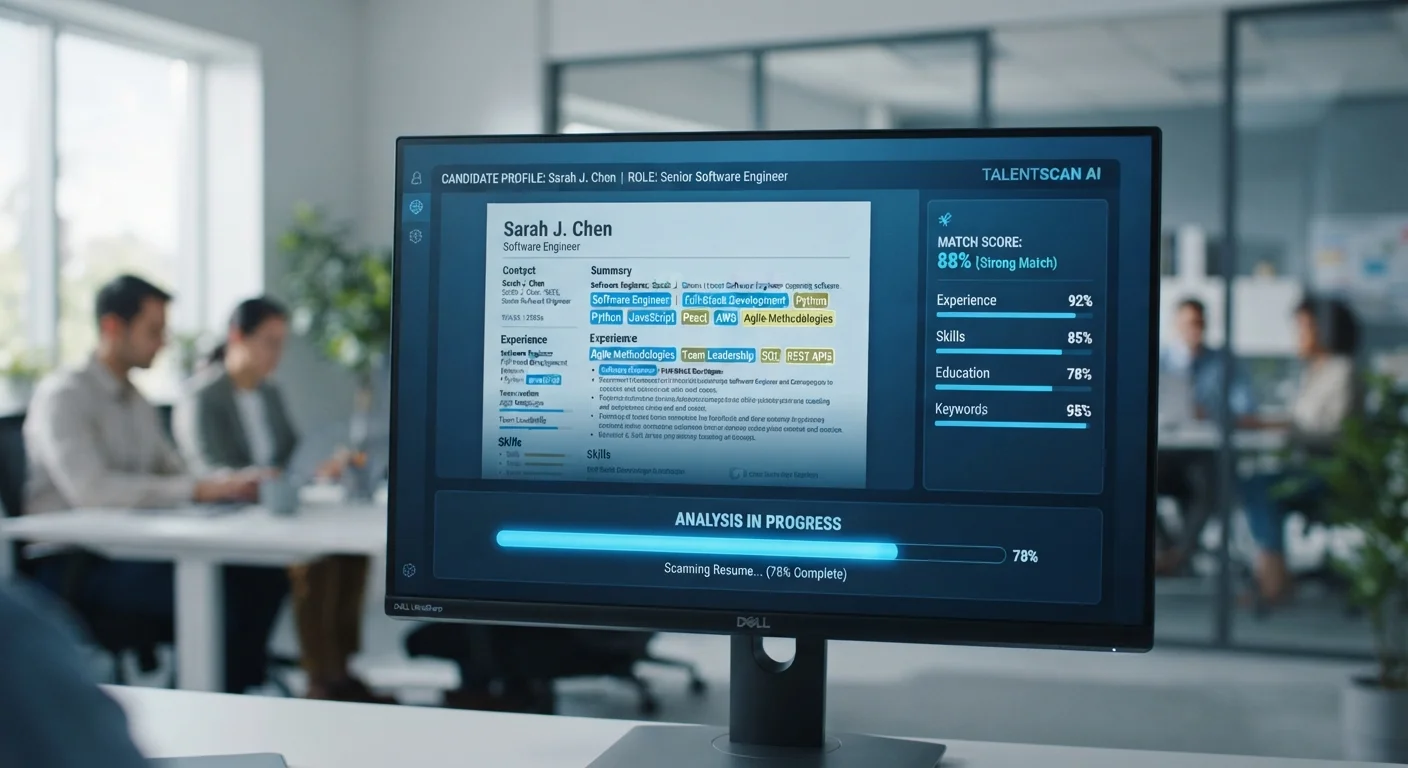
An applicant tracking system is software that employers use to receive, organize, and filter job applications. When you submit a resume online, it typically goes through an ATS before any human reads it. The system parses your resume into structured data - skills, job titles, dates, education - and scores or filters it against the job requirements.
Most enterprise ATS platforms (such as Workday, Taleo, or Greenhouse) use a combination of keyword matching, rule-based filters, and increasingly, machine-learning ranking to surface candidates. The exact logic varies by platform and employer configuration.
How an ATS Processes Your Resume
When you hit submit on a job application, your resume doesn't land in a recruiter's inbox - it goes into a database. The ATS parses the document, breaking it into fields: contact information, work history, job titles, dates of employment, skills, and education. Think of it less like reading and more like data extraction.
This matters because the system is working with structured data, not narrative. A sentence that impresses a human reader - 'Led cross-functional teams to deliver a $4M product launch on time' - gets reduced to components: job title, skills mentioned, dates. If those components don't align with what the system is filtering for, that impressive sentence may not help you.
Understanding this distinction is the first step. For more context on how hiring has changed overall, see how today's hiring landscape has shifted.
ATS Platforms Vary Significantly
There is no single universal ATS - Workday, Taleo, Greenhouse, Lever, iCIMS, and others each handle parsing somewhat differently. A tactic that helps on one platform may be neutral on another. Focus on broadly compatible best practices (clear formatting, relevant keywords, standard headings) rather than trying to optimize for a specific system you can't verify.
What ATS Systems Actually Screen For
The most common ATS filter is keyword matching. Employers - or the ATS itself - identify required skills and qualifications from the job description and compare them to resume text. The closer the match, the higher your ranking or the better your odds of clearing a filter.
Beyond keywords, common screening criteria include:
- Job titles: Systems often search for titles that match or approximate the open role.
- Years of experience: Some filters exclude applicants below a stated threshold.
- Education requirements: Degree type or field may be a hard filter in certain roles.
- Location: Especially relevant for roles that aren't remote.
Recruiters configure these filters, so the weight given to each criterion varies by employer. Learning how to read a job posting the way recruiters write them helps you identify which requirements are likely hard filters versus preferences.
~75%
Resumes never seen by a human recruiter
Industry estimates suggest roughly 75% of resumes submitted through online portals are filtered out by ATS before reaching a recruiter, according to commonly cited HR research.
98%
Fortune 500 companies using ATS
Research from Jobscan and similar HR analytics sources indicates that nearly all Fortune 500 employers rely on applicant tracking software to manage high application volumes.
6-7 sec
Average time a recruiter first scans a resume
Eye-tracking studies, including one widely cited from TheLadders, suggest recruiters spend only a few seconds on initial review - making ATS-friendly structure critical even after the filter stage.
Formatting Mistakes That Trip Up Parsers
ATS software is functional, not elegant. Formatting choices that look polished to a human can break a parser. The most common culprits:
- Tables and columns: Many parsers read left to right across columns, merging unrelated content.
- Headers and footers: Contact information placed here is often skipped entirely.
- Graphics and icons: Images are invisible to text parsers - if your phone number is inside a graphic, it won't be extracted.
- Unusual fonts and special characters: Some systems can't render them correctly, producing garbled text.
- Non-standard section labels: 'Where I've Been' instead of 'Work Experience' can confuse field-mapping logic.
A plain, well-organized resume in a standard font - using conventional section headings - will outperform a design-heavy one in most ATS environments. This doesn't mean your resume must look boring; it means structure should drive design, not the other way around.
Test Your Resume Before You Submit
Several free tools let you paste your resume and a job description to see how well they align on keywords and structure. While no tool perfectly replicates a specific employer's ATS configuration, these checks can surface obvious gaps - missing skills, weak keyword coverage, or formatting issues - before your application goes in.
What You Can Actually Control
ATS systems can feel like a black box, but several factors are firmly within your control. The most impactful is language alignment: reviewing the job description carefully and mirroring its terminology where it accurately reflects your background. If the posting lists 'Salesforce CRM' and you have that experience, use that exact phrase - not 'customer database software.'
It's also worth remembering what the ATS does not do: it doesn't evaluate your judgment, communication style, or fit. Passing the filter gets you to a human reviewer. From there, the resume has to work for a person, not an algorithm. That's why tailoring matters on both levels - and why the research on tailored versus general resumes is worth understanding before you decide how much to customize each application.
Finally, consider where you're applying. The ATS factor is most pronounced on large employer portals and high-volume job boards. Other channels - referrals, direct recruiter outreach - may bypass it entirely. Where hires actually come from is a useful reference for thinking about your overall strategy.